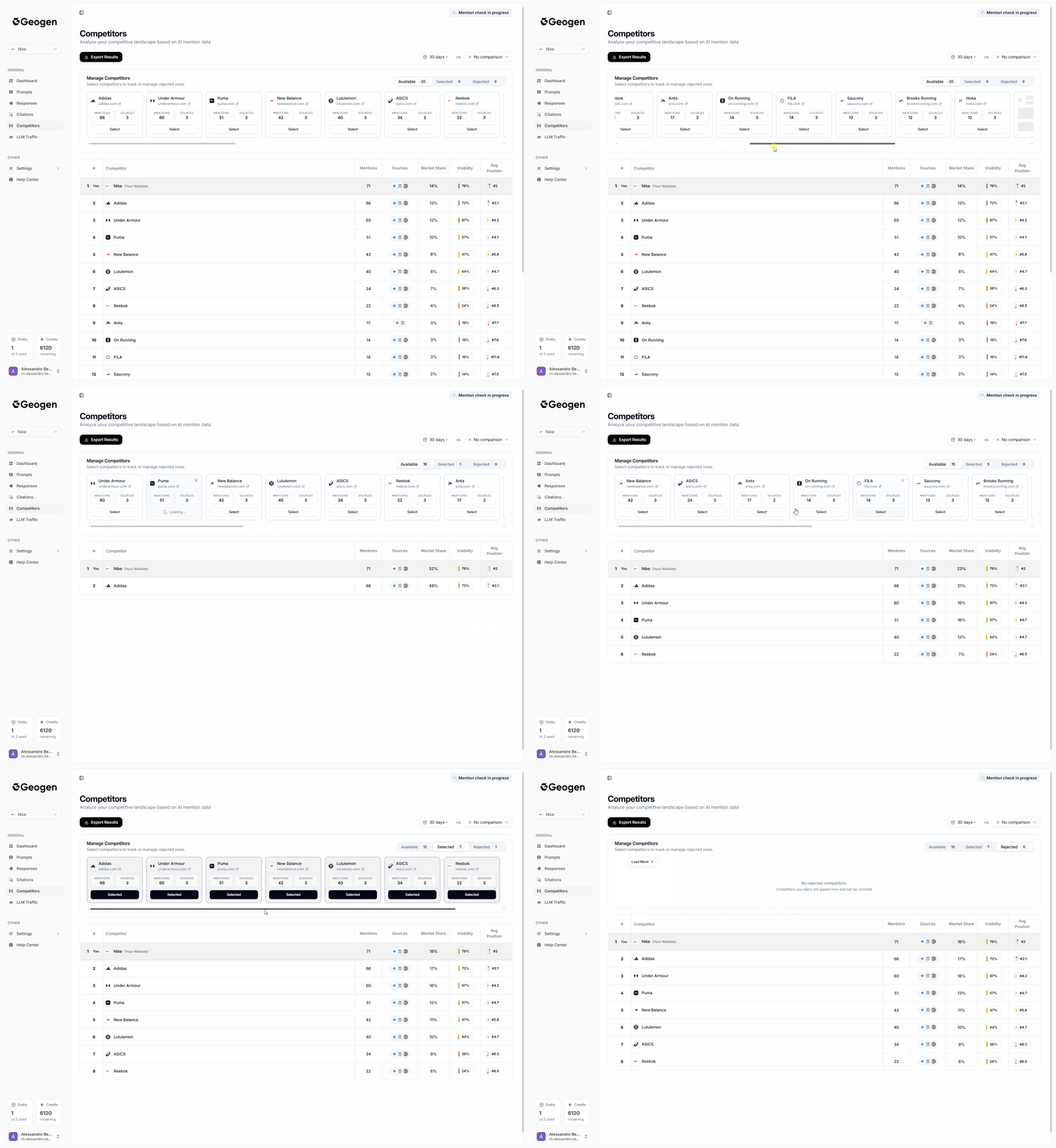

Adding your Competitors
GeoGen automatically detects and flags brands that frequently appear in your AI-generated results. By default, it displays a leaderboard ranking these brands by their visibility score, giving you an accurate snapshot of who dominates your space. If you’d like to adjust it, you can:- To select custom competitors to monitor, click on the Select button at the bottom of each competitor card on the Manage Competitors Slide
- Click on the “X” icon which appears whilst hovering on each competitor card to remove it/hide it, this can be undone as needed just by going on the Rejected tab and clicking **Restore **at the bottom of each competitor card.
- You can select as many competitors you wish from the Manage Competitors Slide, they will replace the default competitors on the leaderboard.